

Omnissa
LEAF OS by NComputing is a small Linux-based operating system providing the basis for thin client computing. It enables users to access virtual desktops using their personal computers, including out-of-date x86-64 thin clients, PCs and laptops.
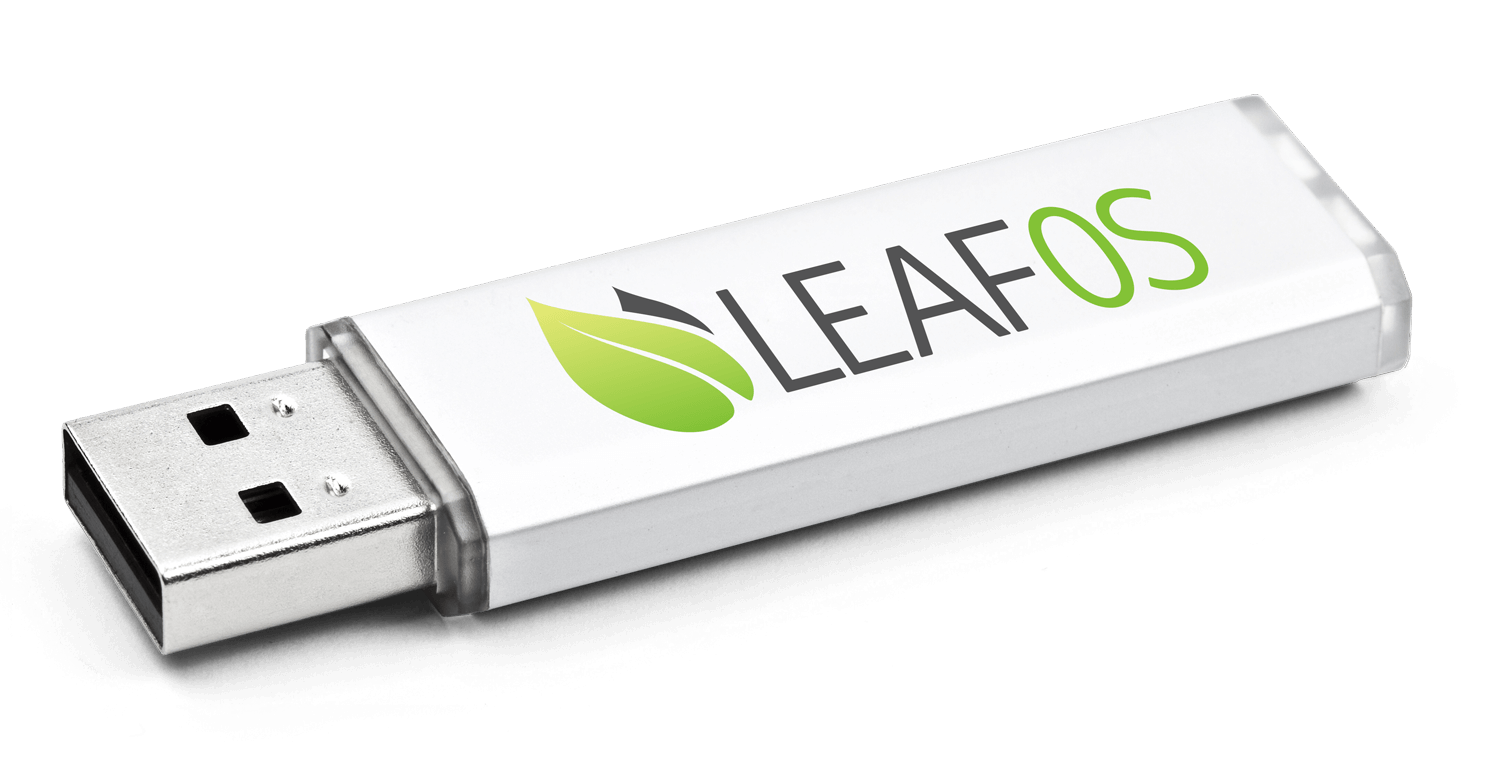
Deployable in two different configurations, LEAF OS gives you both permanent and temporary access. First, it can be installed directly on a hard drive converting the host computer into a powerful thin client. This method of repurposing PCs extends the usefulness of aging computers. Alternatively LEAF OS can be run from a USB drive. USB booting leaves the user's existing operating system, files, and hard drive untouched while providing an ideal environment for work-from-home use cases. When users finish their work, a simple reboot to their native OS restores their device to personal use.
Empower Work From Home
Booting from a USB stick with LEAF OS on any PC/laptop. Provide simple, secure, and fully functional access to virtual desktop environments anytime, anywhere. Includes VPN support.

Repurpose aging PCs & Thin Clients.
Save your money and get out of the PC-refresh cycle. Put off forced investment in new hardware until it makes sense for you.
Reduce maintenance & simplify
Push configurations and software updates to a LEAF OS USB stick or device via a centralized management platform. No local user data means centralized backups are simplified, and ongoing maintenance and security expenses are slashed.
Securely built on Linux
The fully locked-down Linux platform is secure, protecting against malicious applications, common threats, and corporate data leakage concerns.
Expand USB capabilities
Using drivers on the server opens up extensive peripheral support capabilities for printers, touch screens, and other devices.
Choose your platform
LEAF OS is compatible with Amazon Workspaces, Citrix, Microsoft AVD, Windows 365, Microsoft RDS, Parallels RAS, UDS Enterprise, Dizzion Frame, OMNISSA, vSpace Pro Enterprise, and VERDE VDI.
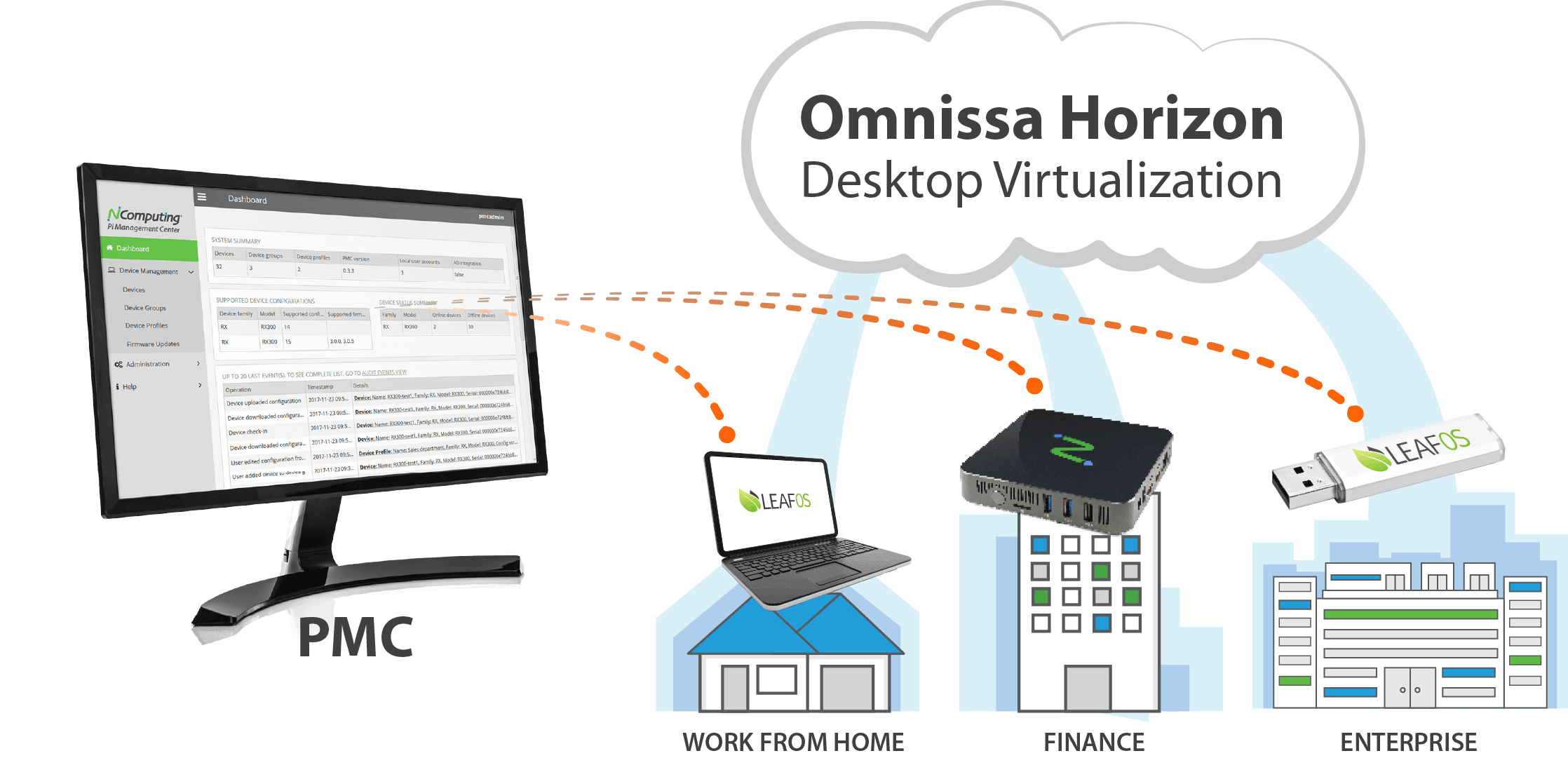
Optimized for Omnissa Horizon Desktop Virtualization
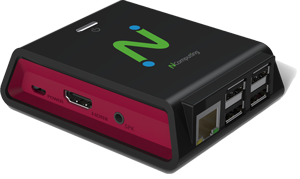
 Integration with the Omnissa Horizon VDI allows LEAF OS to deliver a compelling software endpoint solution for Omnissa Horizon enterprise customers. Devices running on LEAF OS support Omnissa and RDP protocols out of the box, and have multimedia capabilities such as Microsoft Teams optimization, HTML5 Multimedia Redirection (HTML5 MMR), Browser Content Redirection, Multimedia Redirection (MMR), and extensive USB peripheral devices support. LEAF OS software is designed and built for the x86-64 CPU architecture, typically running on Intel or AMD CPUs. Devices running LEAF OS are fully optimized for Omnissa, ensuring that it meets the performance, security and manageability demands of the enterprise. For new hardware thin clients, learn about the NComputing EX500W Thin Client (powered by LEAF OS).
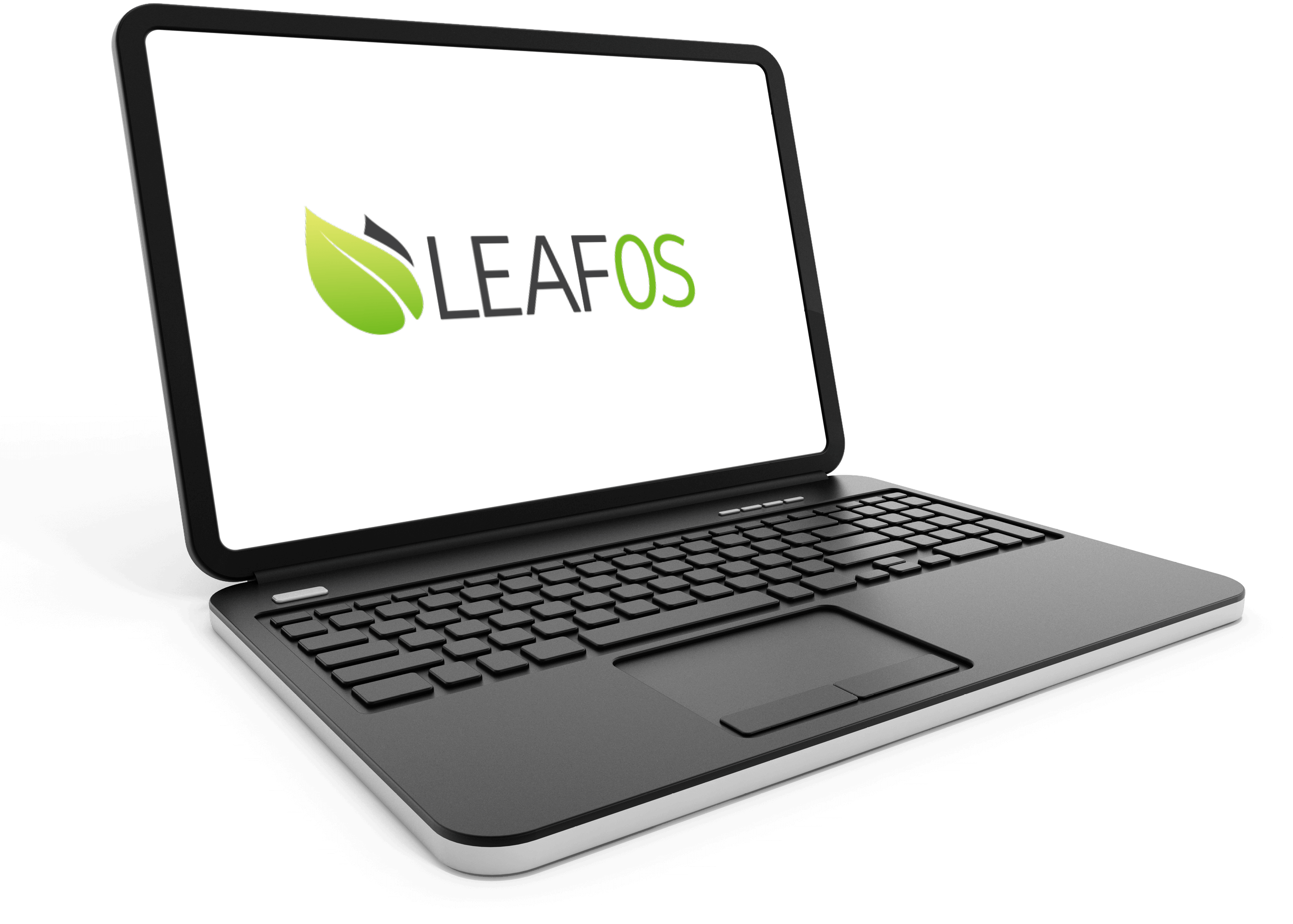
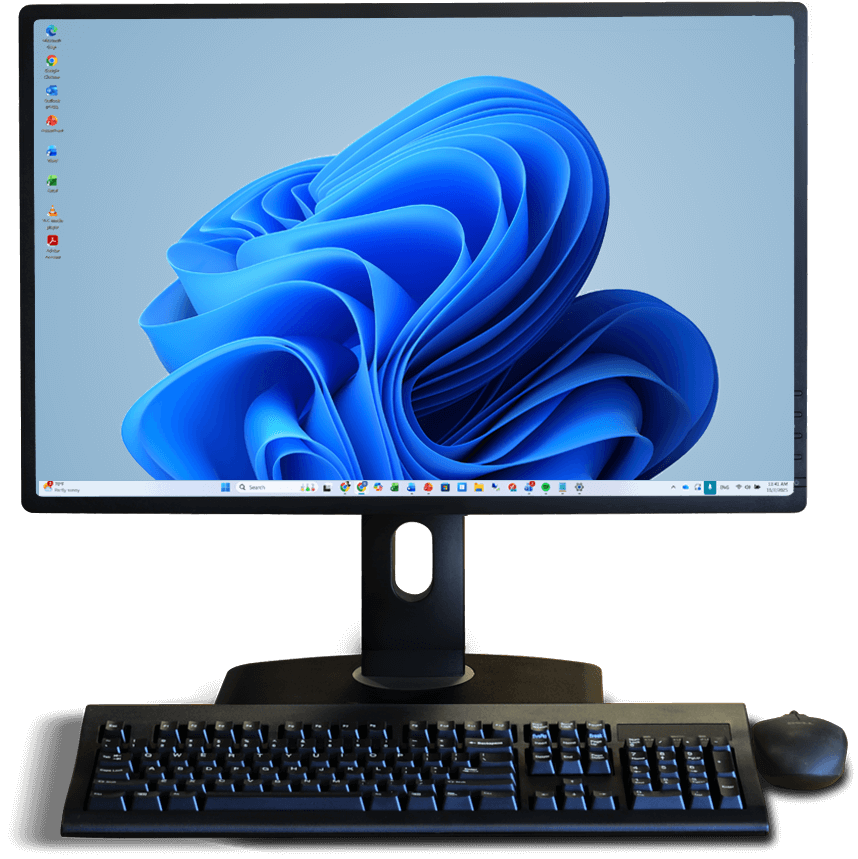
Don't let the end for Windows 10 leave you behind. Upgrade to Windows 11 with LEAF OS.
Extend the Life of Existing PCs and laptops. Not all PCs are Windows 11 compliant. LEAF OS unlocks compatibility for your devices through AVD, Windows 365, and other popular VDI/DaaS platforms such as Citrix, Omnissa, Parallels RAS, and Amazon Workspaces. Flashed directly to the internal hard drive, LEAF OS turns any* x86-64 PC or thin client into a permanently repurposed thin client, providing a secure, centrally managed, high-performing PC-like experience.
* BIOS or UEFI motherboard firmware is required. Newer devices may need additional Linux drivers.
Enable BYOD with LEAF OS Go
LEAF OS Go provides a secure, consistent workspace on any compatible x86-64 device—no per-machine licensing required. The USB includes a portable LEAF OS license, allowing users to boot the same locked-down environment on personal, shared, or legacy hardware. And it's remotely managed and provisioned by PMC Endpoint Manager.
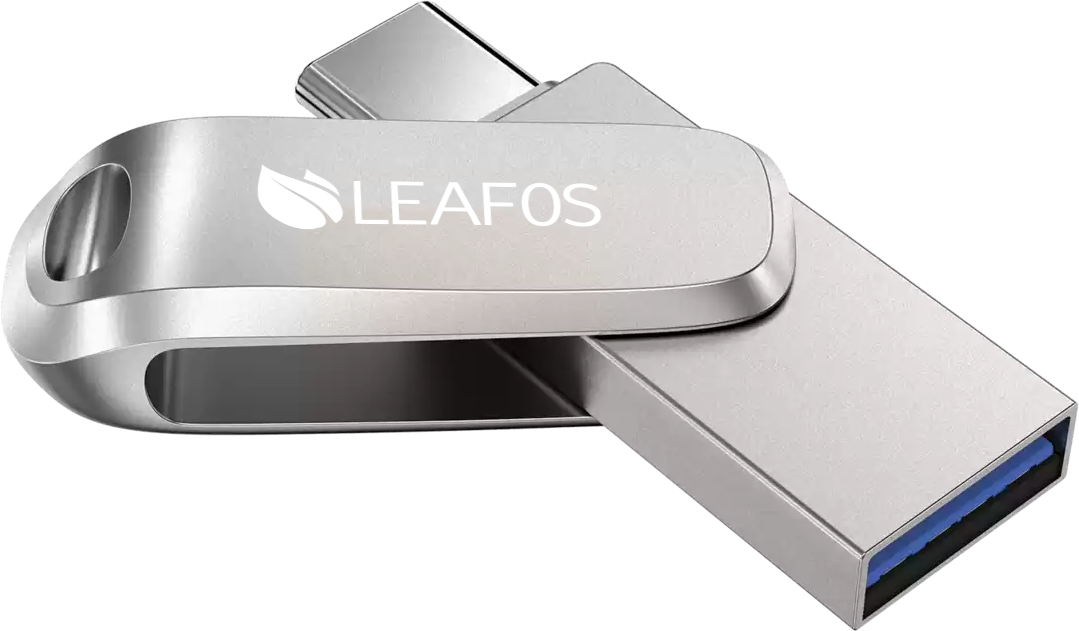
Work Anywhere
Teams get instant access to a managed desktop without shipping hardware or reimaging devices. Ensure predictable performance across standard VDI and DaaS infrastructures.
Secure Access
Contractors and temporary staff can safely use their own machines while IT enforces full policy control. The workspace shuts down cleanly and immediately when the USB is removed.
True Portability
Users plug in the USB and boot into an isolated, read-only workspace. The host OS remains untouched, no data persists locally, and the same environment travels with the user.
Next-Level Endpoint Security
By implementing NComputing’s solutions, organizations can enhance endpoint security, safeguard sensitive data, reduce costs, and streamline management. These measures cover the entire endpoint security spectrum, from device boot to locked-down operating systems, secure communications, data leakage prevention, and centralized management. Furthermore, NComputing enables organizations to embrace BYOD initiatives while maintaining a secure computing environment.
Read the NComputing security whitepaper to learn how our endpoint solution enhances next-level endpoint security.

CENTRALIZED MANAGEMENT & EXPRESS DEPLOYMENT
PMC Endpoint Manager software provides a powerful solution to manage all your devices from a browser including LAN and WAN network deployments, locations behind firewalls and NAT-routers. PMC Endpoint Manager is included with your LEAF OS license.
Local Application Support
LEAF OS includes select local applications that run on the device, not through a virtualization platform. Direct access to the web via Chromium Browser eliminates virtualization lag. Microsoft Teams and Zoom both benefit from direct audio/video relay eliminating common concerns of web conferencing through virtual platforms. Local applications can be accessed side-by-side along the Amazon Workspaces, Citrix, Omnissa Horizon, Microsoft AVD, Windows 365, Microsoft RDS, Parallels RAS, UDS Enterprise, and Dizzion DaaS and VDI sessions. Additional 3rd party Linux applications can be installed in LEAF OS via the custom module support to further extend its functionality. LEAF OS controls the availability of these apps and their deployment method, with a Guest Mode option for Kiosk-like use.
Licensing info and free trial offer
Ready to get started?
Ready to get started? Let's go.
If you have questions about our products and services, and wish to speak with an NComputing representative, please complete this form and we will contact you shortly.
Please do not use this form for technical support. If you need technical help with NComputing products you currently own, please click here.